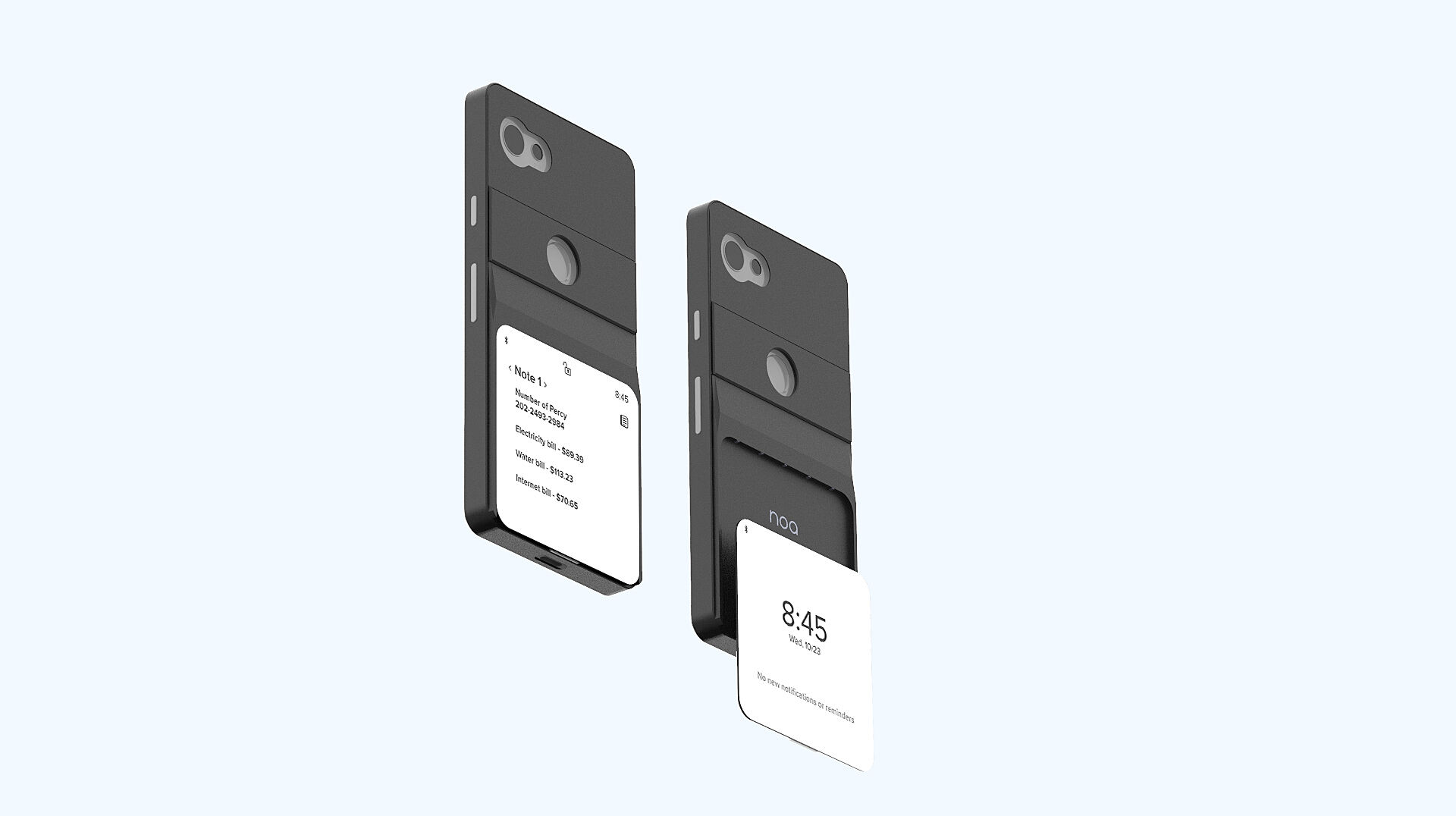
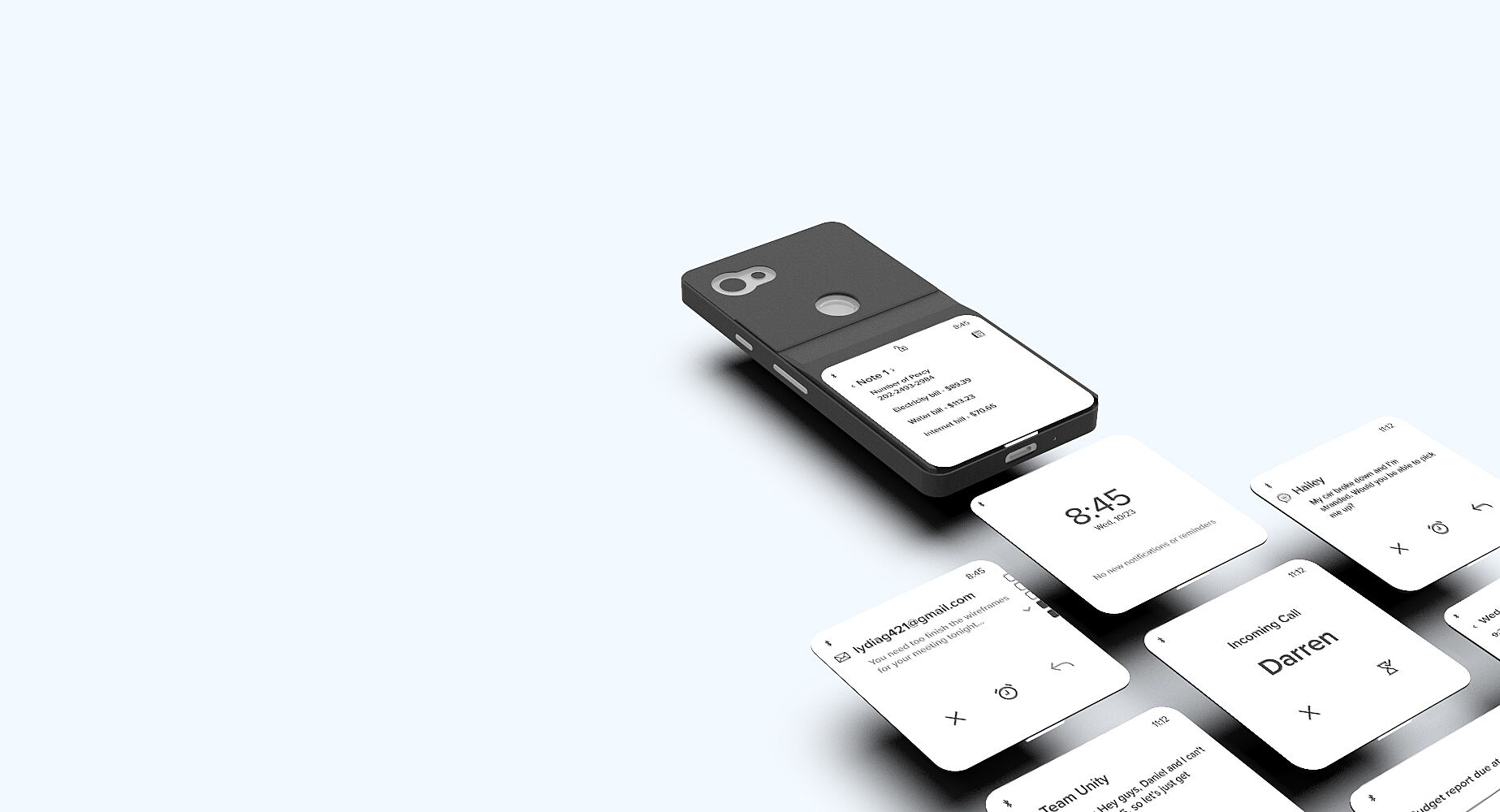
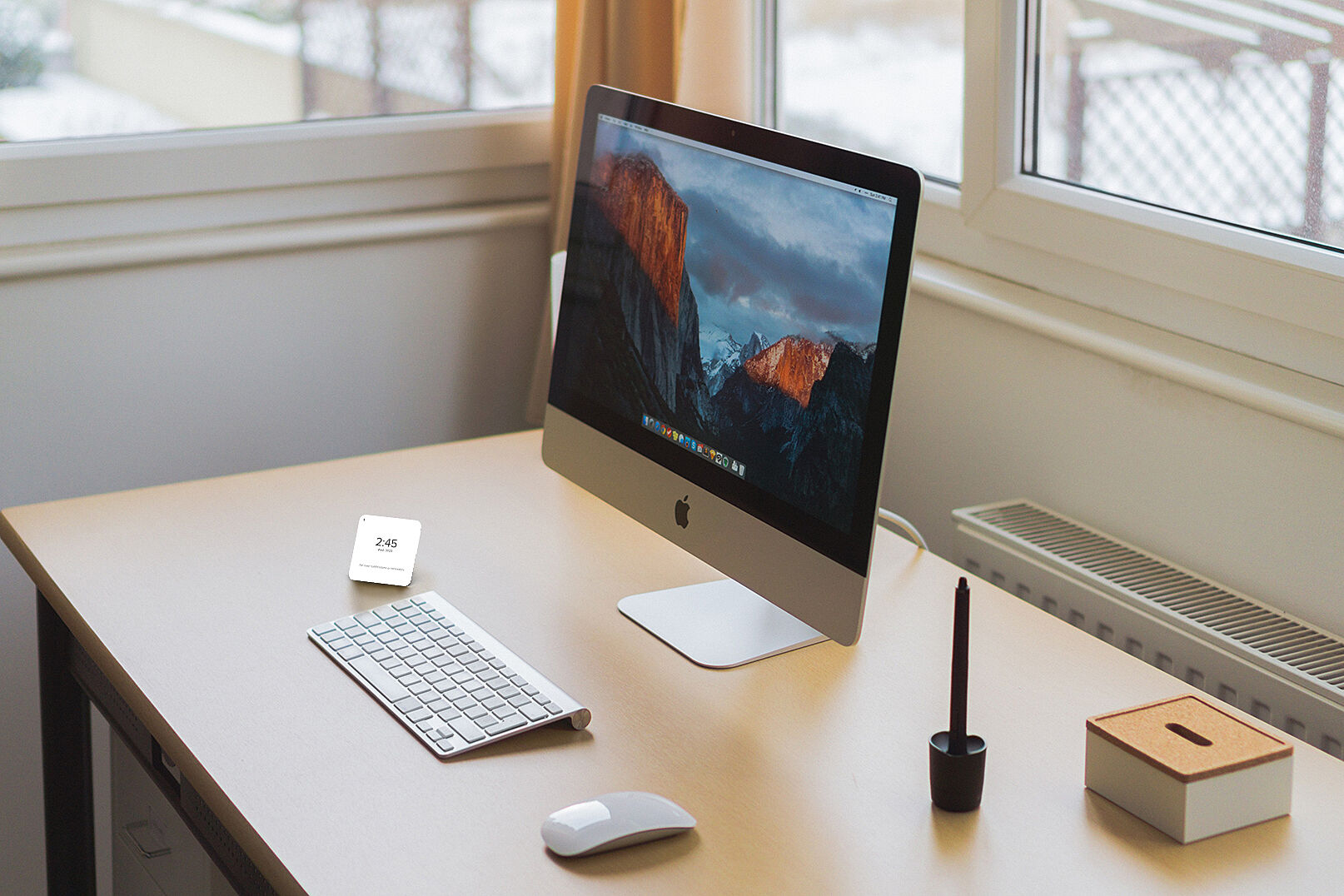
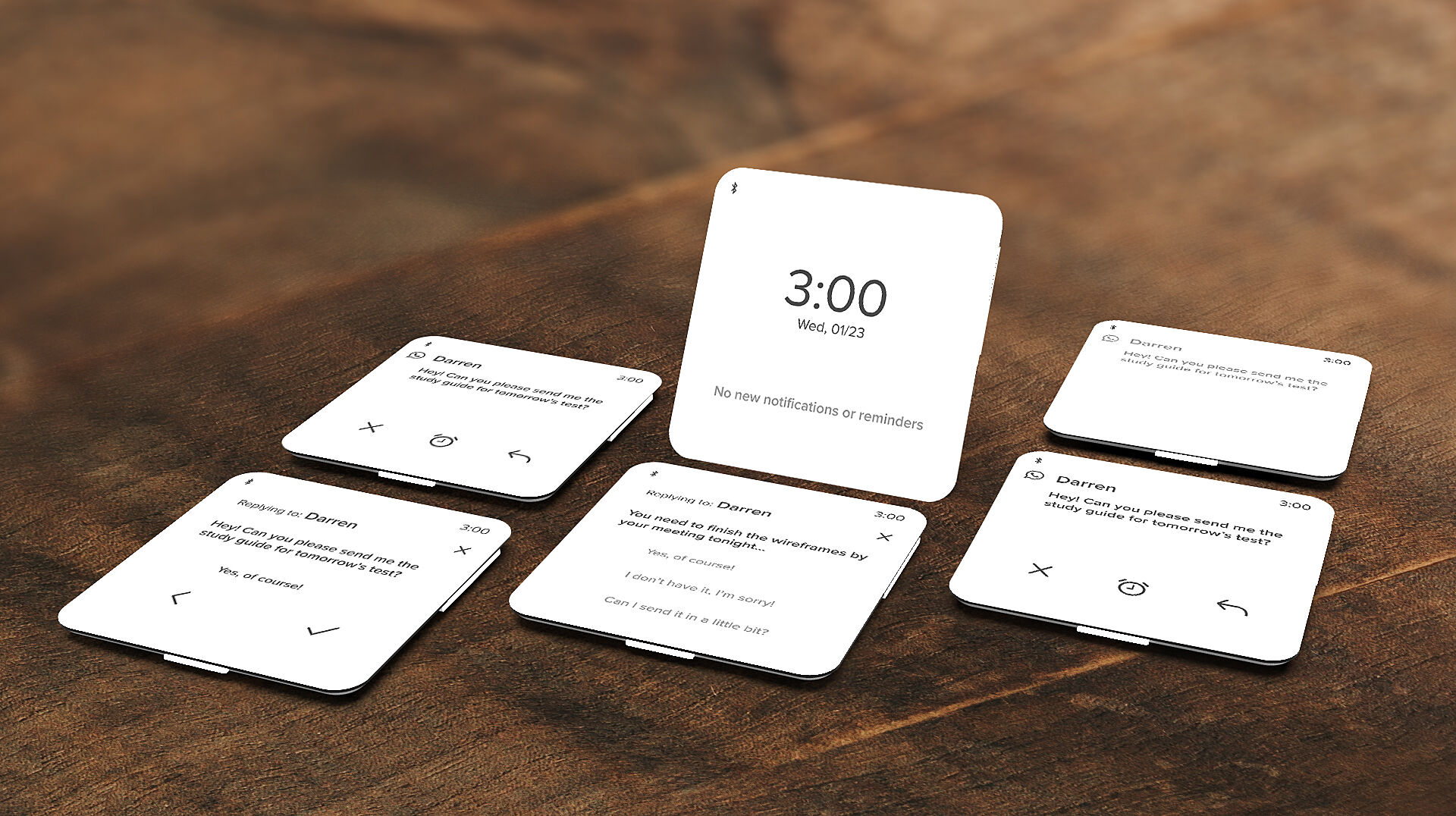
People receive on average over 100 notifications per day, each one bringing with it the chance of distraction and loss of productivity. While missing out on a notification can cause stress, interacting with every notification takes too much time, so people need a solution that can decide if a notification is worth interacting with depending on what you’re doing and what you consider important. This problem is solved with noa. Noa is a two-piece artificial intelligence system. One piece is embedded in the operating system of the phone, and the other is a phone case with a detachable e-ink screen. Noa using a multi-layered AI system to understand what notifications the user finds important and why. It ranks each notification on an importance scale of 1-3, one being most important, and three being not important. It then uses this information to display notifications in the order that the user ismost likely to interact with them. The detachable e-ink screen is used when the user wants to enter “work mode”. The user detaches the screen, held to the case via magnets, and uses the kickstand to set up a notification center so they can put their phone out of sight. Once work mode has been activated, only notifications that are ranked as “Vital”, or rank 1, are shown on the noa screen, that way the user can ensure they don’t miss any vital notification, but don’t have to deal with the distraction and temptation of a smartphone. Using the system of AI’s, the user can reply to notifications with two taps, while maintaining their
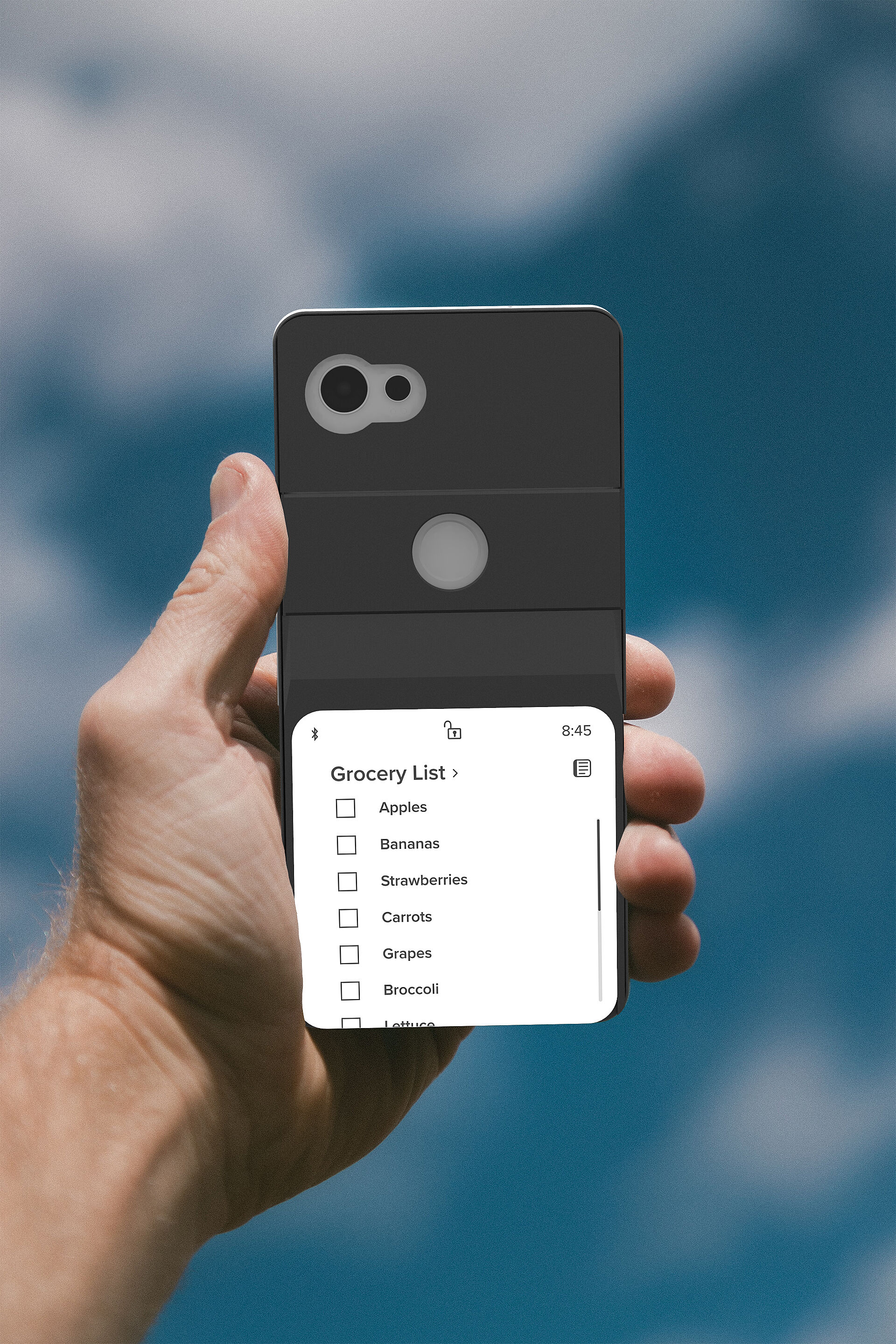
natural language and tone. The AI also scans each notification to detect if the notification contains a possible event the user may find important to schedule and allows them to schedule it with one tap. When attached, the noa screen acts as a notepad for the native memo app, and a calendar with the user’s schedule.